sadmin
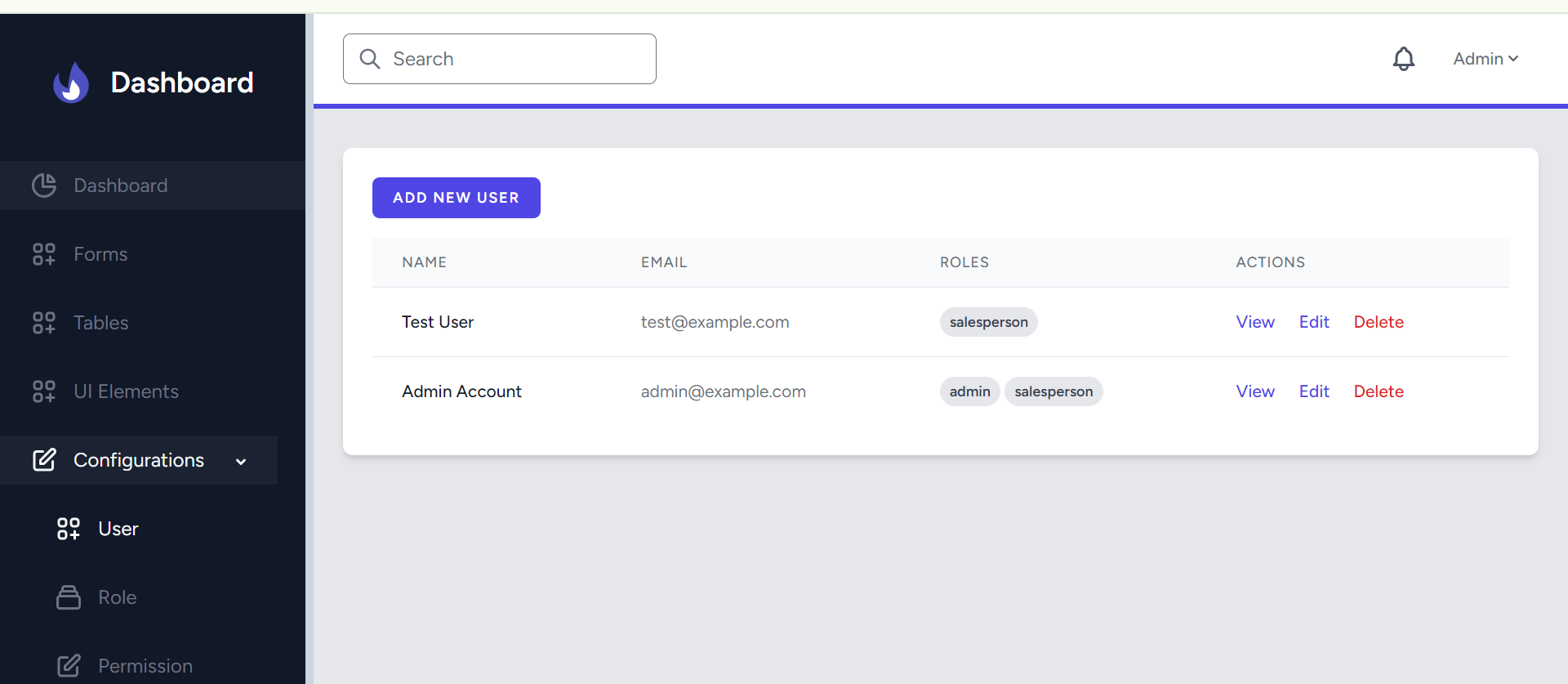
Sample Admin Template using Laravel, Breeze, Spatie, Tailwind Css (Dashboard Template) Intended to eliminate repititive tasks of creating admin with user, role & permission and some basic configurations to enable fast development of Laravel web apps.
Steps to Run After Cloning
Duplicate the
.env.exampleFile
In the project root directory, create a copy of the.env.examplefile and rename it to.env.Configure Database Settings
Open the newly created.envfile and update the database configuration with your preferred settings. For example:DB_CONNECTION=mysql DB_HOST=127.0.0.1 DB_PORT=3306 DB_DATABASE=sadmin DB_USERNAME=root DB_PASSWORD=Install Composer Dependencies
Run the following command to install PHP dependencies:composer installGenerate Application Key
Generate a new application key using the command:php artisan key:generateRun Migrations and Seed the Database
Set up the database by running migrations and seeding:php artisan migrate php artisan migrate:fresh --seedInstall Node.js Dependencies
Install JavaScript dependencies with:npm installBuild Assets
Compile and optimize assets using:npm run buildStart the Development Server
Launch the development server with:php artisan serveUse Credintials to test
Use this default username and password respectively to login[email protected] password(optional) you can use /admin to explore the integrated prebuilt Tailwind Dashboard and its components
Watch the Setup Video
Check out the setup video for the "sadmin" template here:
Useful Links
Laravel and Breeze: Laravel Starter Kits - Breeze and Blade
Tailwind CSS: Tailwind CSS Laravel Installation
Tailwind Dashboard Template: Tailwind Dashboard Template Source